By grace, STDMC has established this private channel for worship and for receiving God’s response through Kindling Grace.
This is STDMC’s official remote setting for Kindling Grace, distinct from a traditional face-to-face charismatic healing service.
Who may use this channel
For ordinary people: daily private online worship for Christians, and a way for non-Christians worldwide to take part in Third Deliverance and encounter Christ’s response, grace, and authority.
For possessing spirits: a summons and warning to enter Second Deliverance and receive shepherding through the Christ Sacred Order for Shepherding spirits.
For people with mental or emotional disorders: use this response channel only two or three times, then seek entry to First Deliverance as soon as possible.
You will use two screens
This response channel may be integrated flexibly into your daily private worship. You do not need to change your own worship habits. It is for Christians across every branch and denomination. For a fuller reception of grace, follow these instructions reverently.
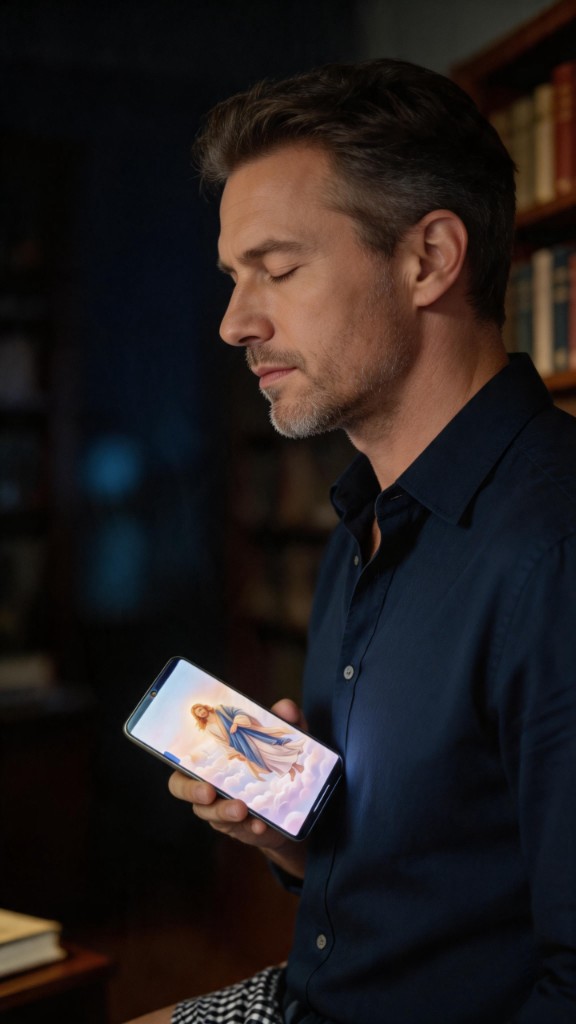
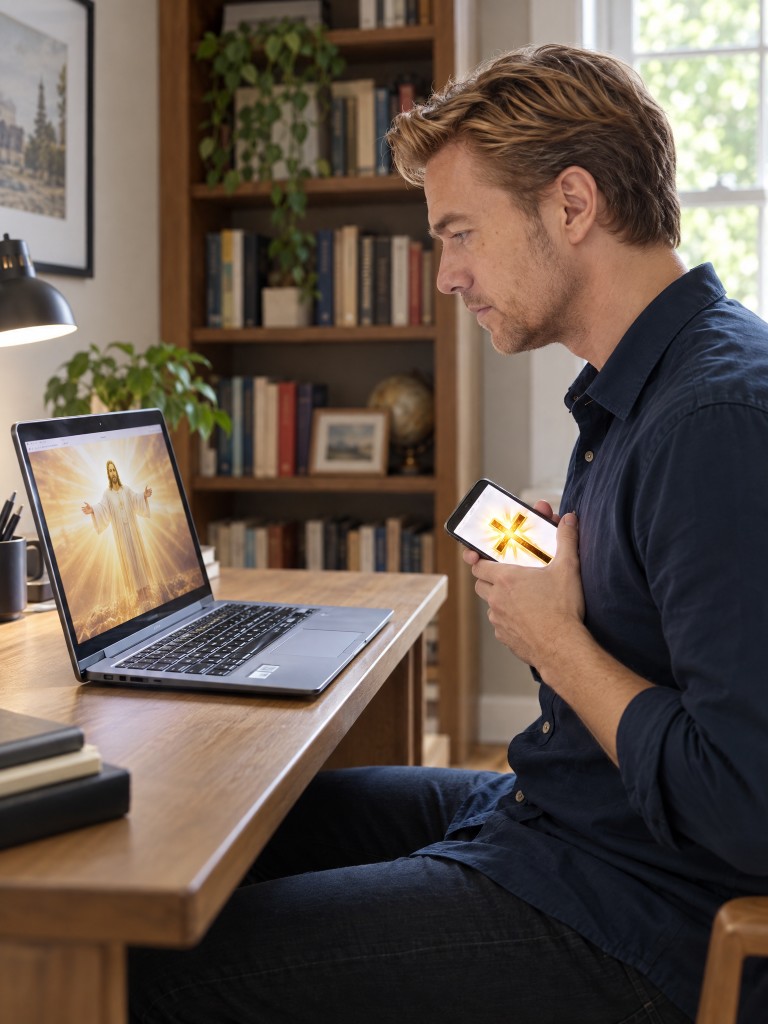
This is not a single-page service. One screen stays open in front of you with the image of Christ. The other—this phone—carries the prayer, the music, and the way you hold the device.
Companion screen — a computer, tablet, or second phone, kept within about one metre in front of you.
This phone — for Minister Caros Wu’s intercession, the music, and Method 1 / Method 2.
Open the companion screen first. Then begin on this phone. Both stay open until the end.
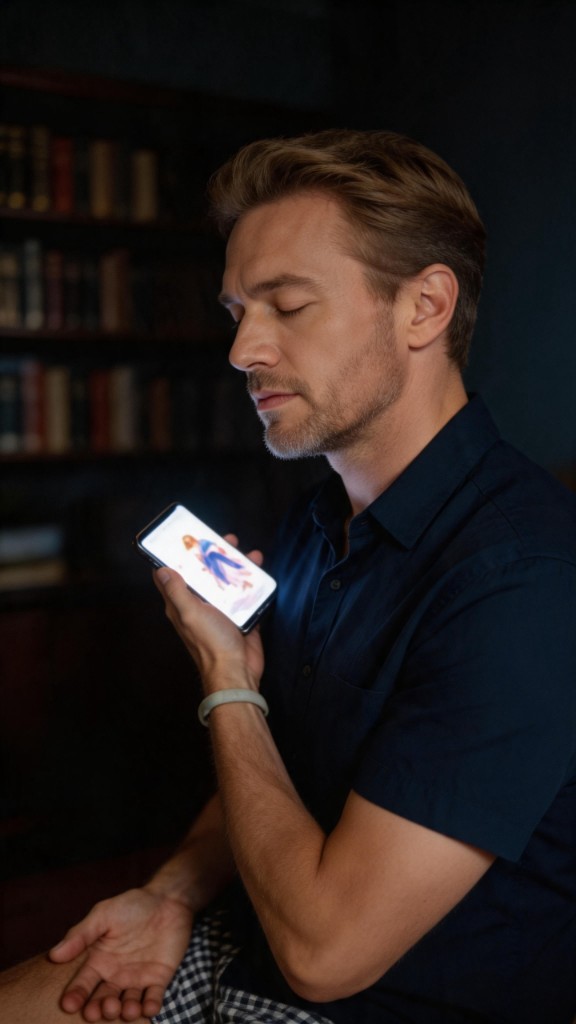
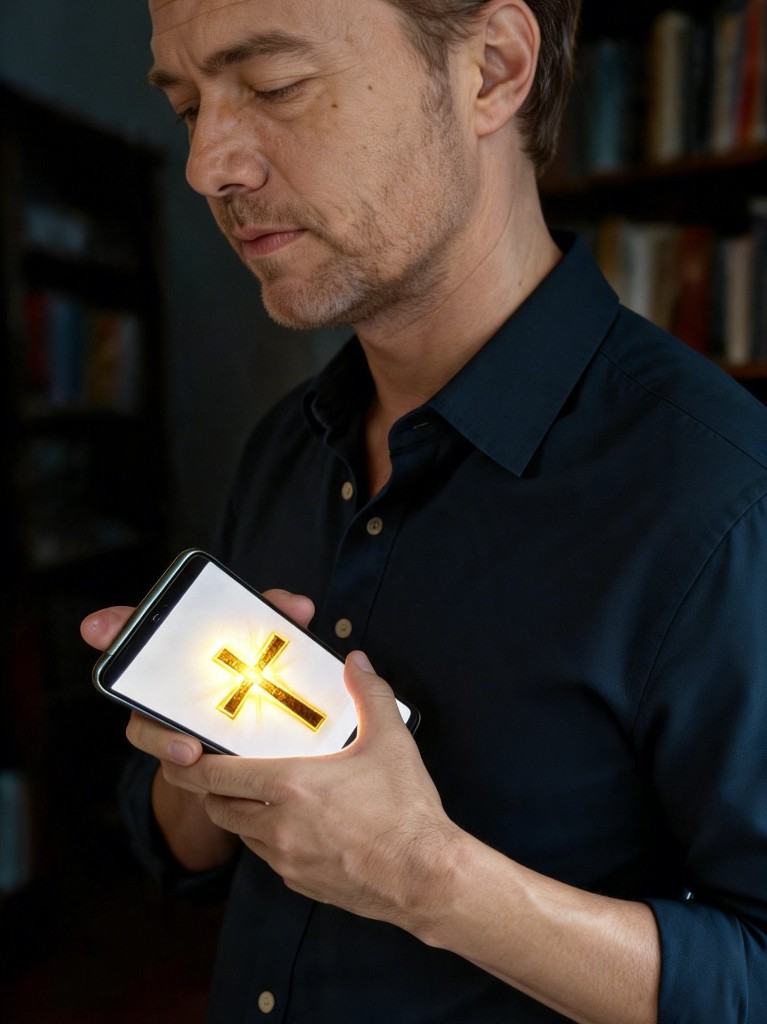
This is the reference pose
The computer screen may be replaced with a phone or tablet.
Action instructions · prepare the phone
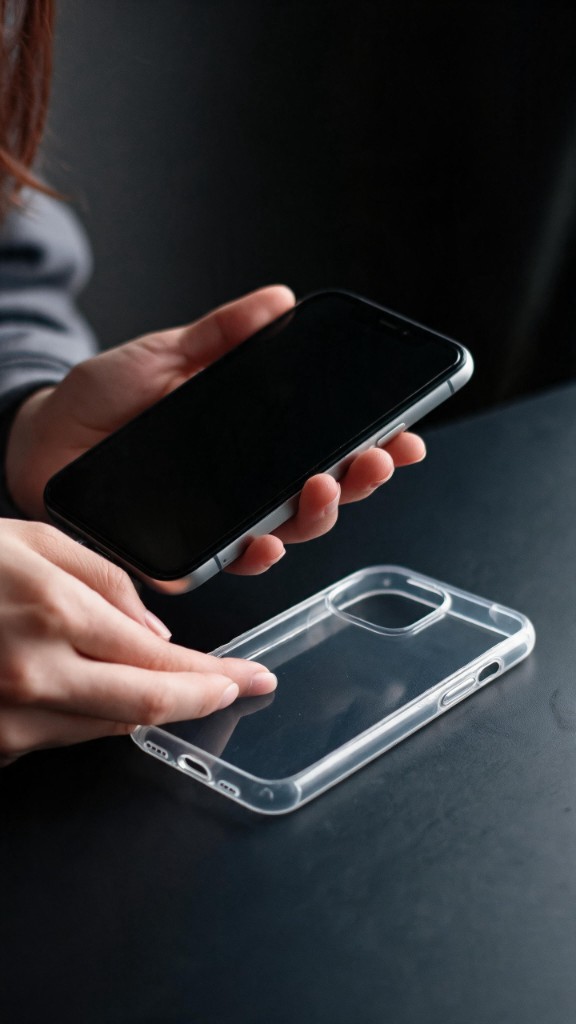
Remove the phone caseUse the phone without its protective case.Auxiliary image 1 · removing the case
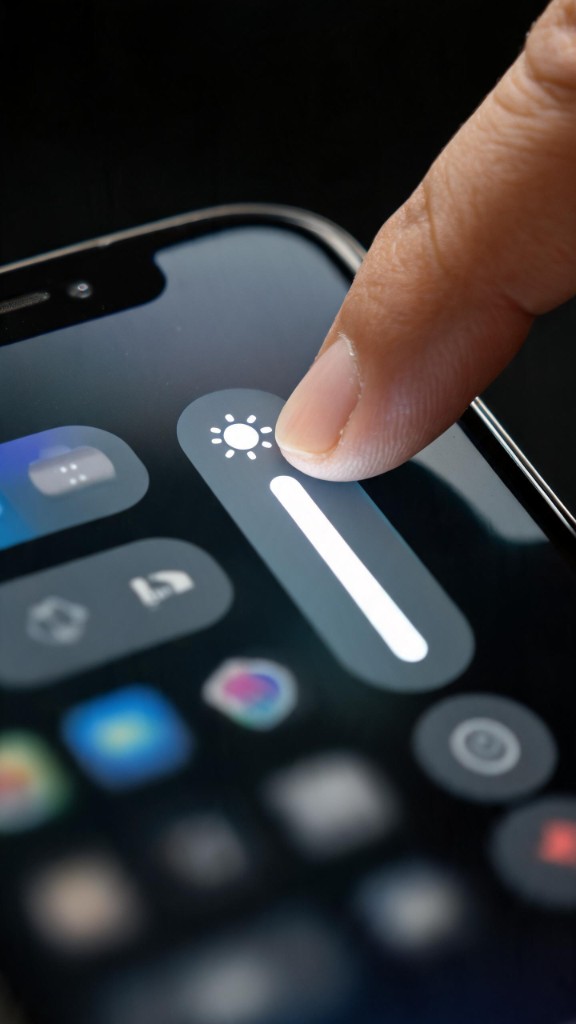
Set the screen to maximum brightnessMusic volume has no special requirement; adjust it for your setting.Image 2 · raising the brightness
Confirm the companion screenKeep the computer, tablet, or second phone open within one metre in front of you.
How to hold the phone
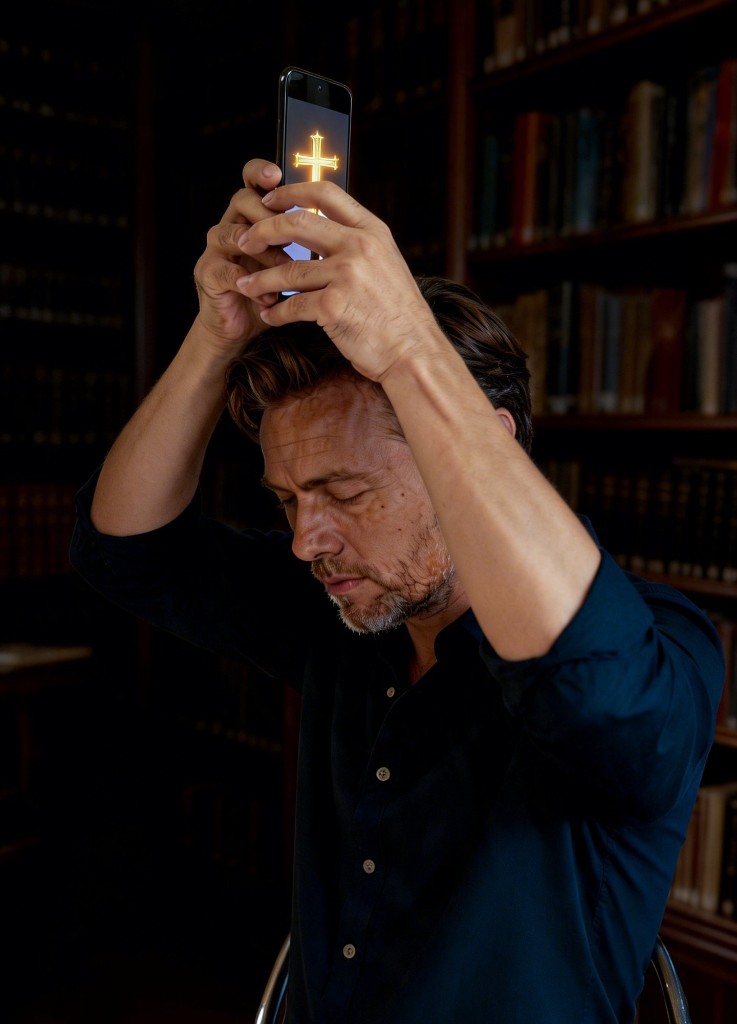
Method 1 · two-hand worship
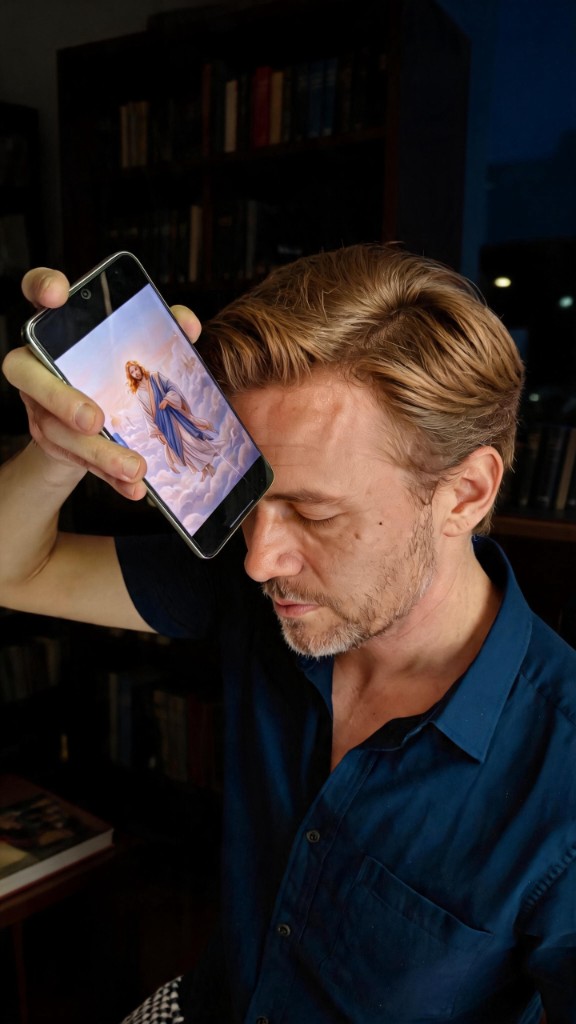
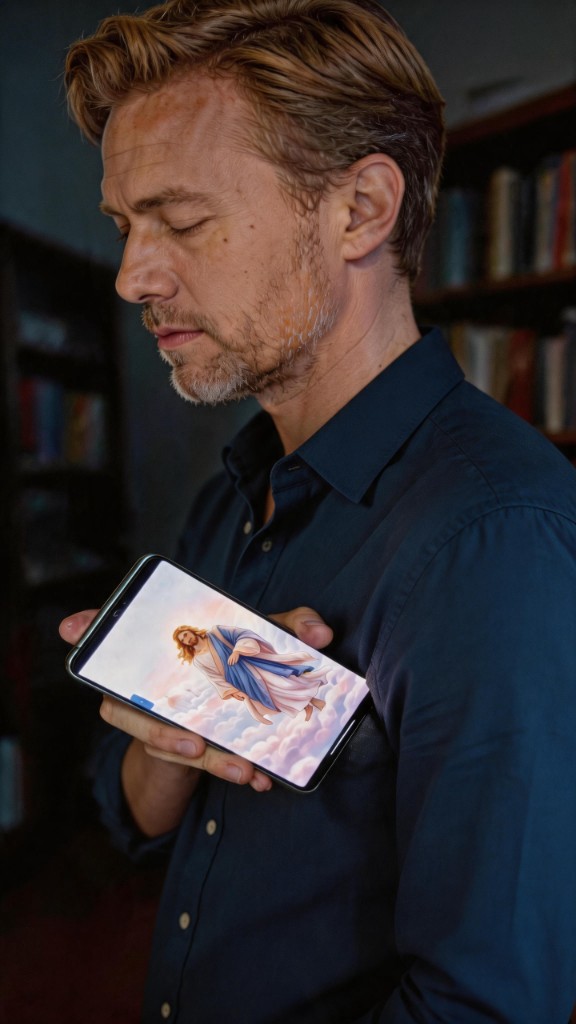
Hold the phone with both hands while it plays the Christian music. Point a corner of the phone toward the crown of the head or the heart. Remain at each position for 30 seconds to one minute, alternating between the two.
1 · Crown of the head
↔
2 · Heart
Alternate between the crown of the head and the heart, remaining 30 seconds to one minute at each.
Method 2 · sign of the cross
Hold the phone in the right hand while it plays the Christian music. Point a corner in turn toward the forehead, heart, front of the left armpit, and front of the right armpit. Remain at each position for 30 seconds to one minute. Repeat the sign of the cross during prayer as desired.
1 · Forehead
3 · Left armpit
†
4 · Right armpit
2 · Heart
Order: forehead → heart → left armpit → right armpit.
Use either method alone or combine them, according to the strength of the response you receive.
Begin with two devices
You need both screens open at the same time. Which device you are on now only changes which link you share.
1
Companion screen
The image of Christ, kept open within about one metre in front of you for the whole time of worship.
If you are on a phone: share the link below to a tablet or computer, and open it there.
 1 · Crown of the head
 2 · Heart